
Zscaler Client Installation
In case of any issue or problem please take a look at our FAQ.
The following steps require administrative privileges. Your IT department or IT Service Desk can assist you with this.
Step 1/3: Download the installer
Please download the Zscaler installation file for your operating system.
Windows: https://og2.me/bonprix-zscaler-win-x64
MacOS: https://og2.me/bonprix-zscaler-mac-pkg
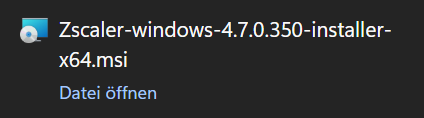
Step 2/3: Start the installation
Open the downloaded file and follow the installation instructions.
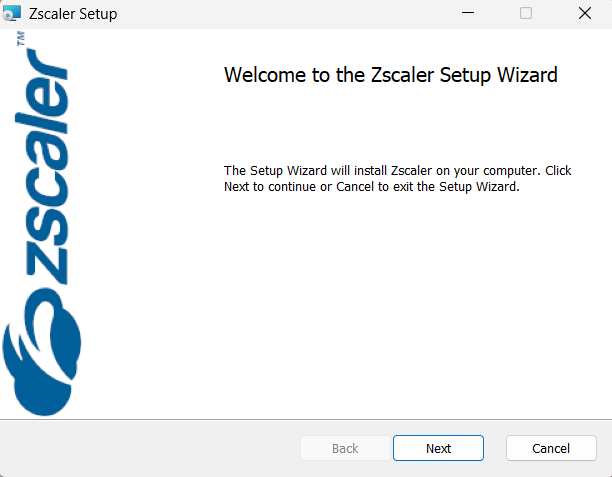
If you need assistance during the installation, please do not hesitate to get in touch with IT-Service-Desk.
Step 3/3: Open Zscaler
After the installation has finished, Zscaler should open automatically.
For login instructions please go to Daily Usage VPN-User.