
Login and Authentication to Zscaler
In case Zscaler has not been installed yet, please follow these instructions FAQ.
Step 1/3: Sign in
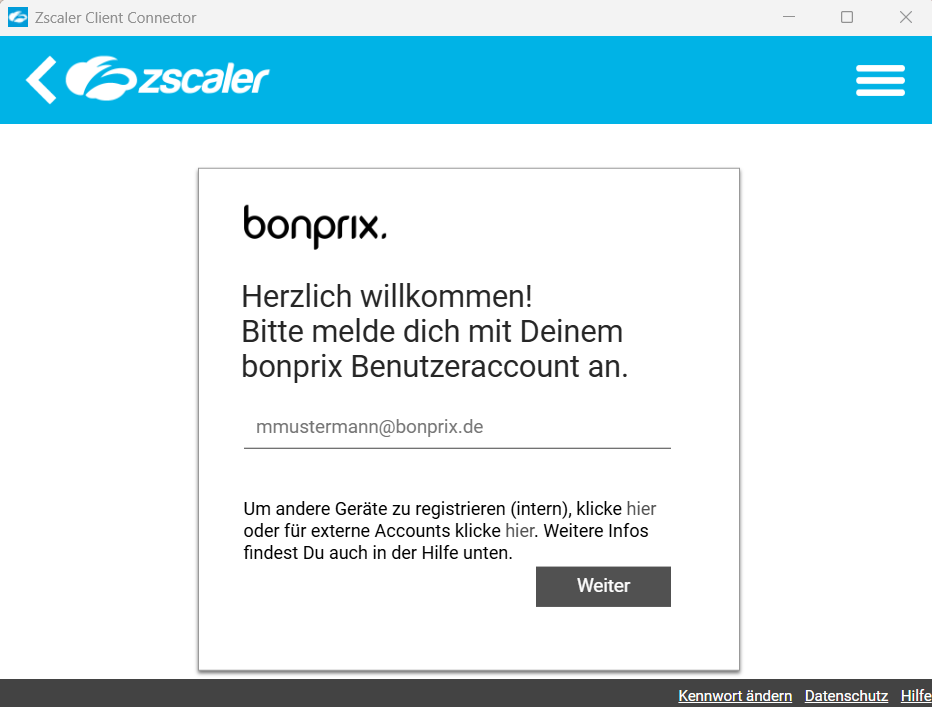
Login with your username (format e.g. "jdoe@bonprix.de") and your password.
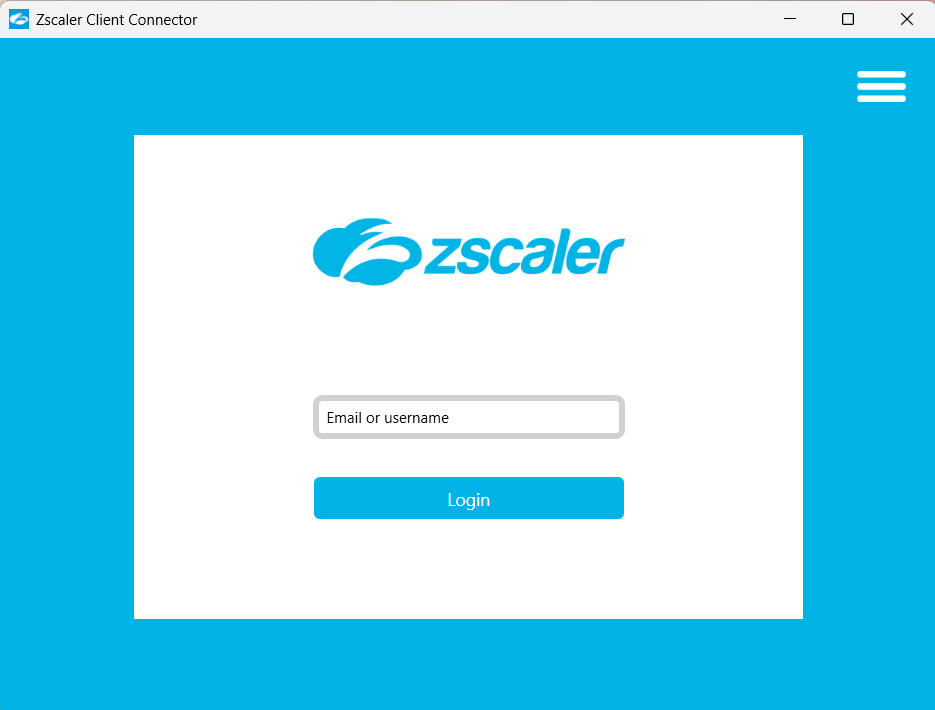
During the initial login, you need to sign in three times. Afterwards, you only need to authenticate once.
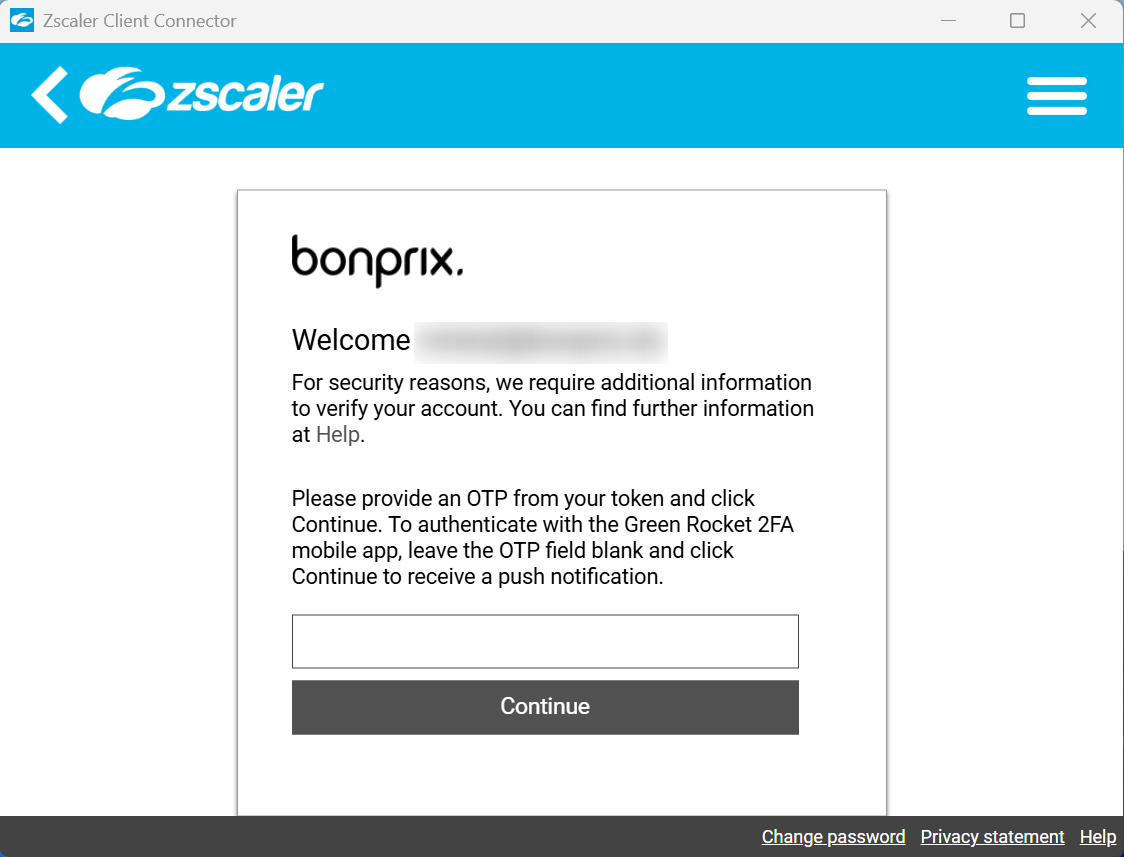
Step 2/3: Confirm the login
Confirm the login by entering the code from your authenticator app.
Step 3/3: Successful login
Now you're able to reach your destination system.